
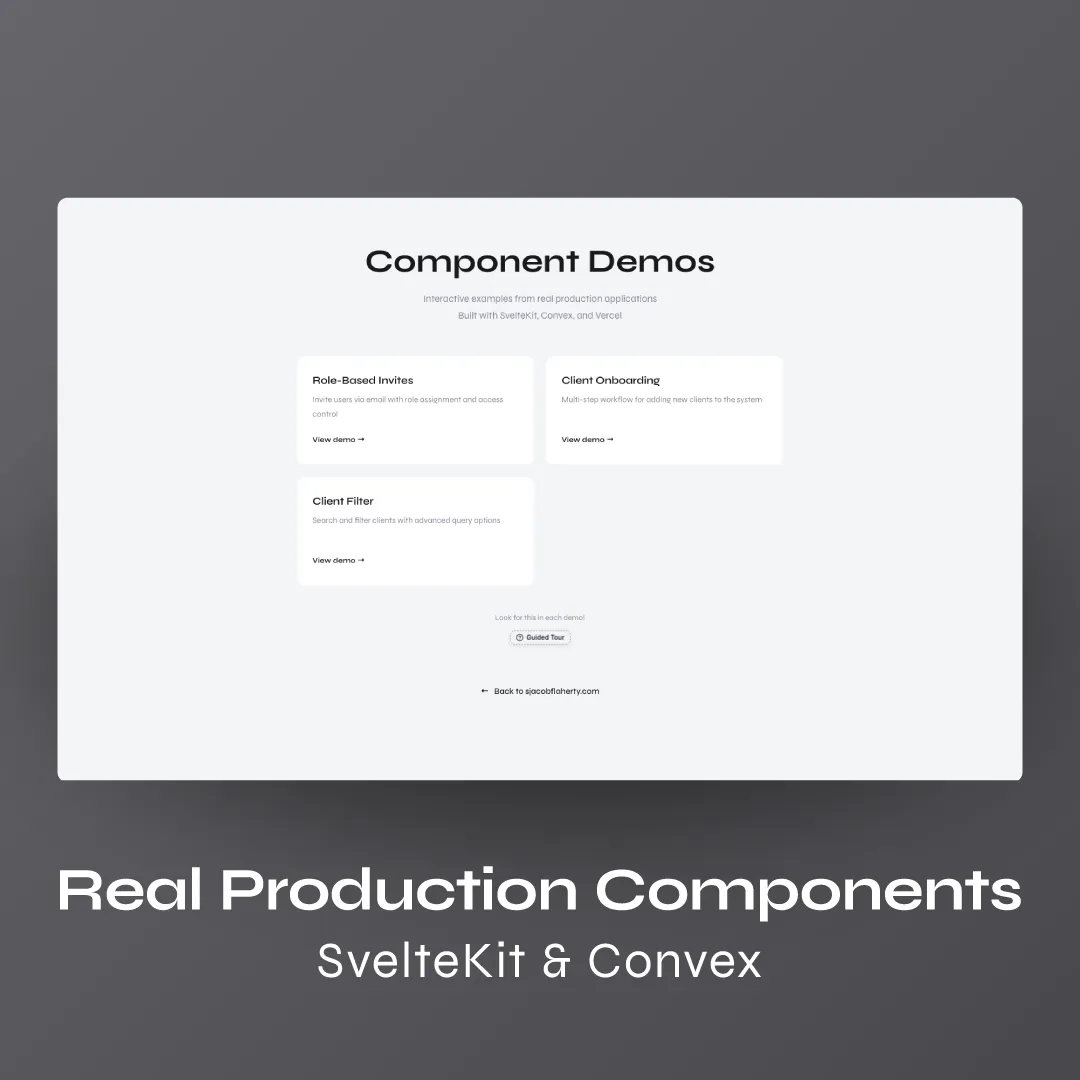
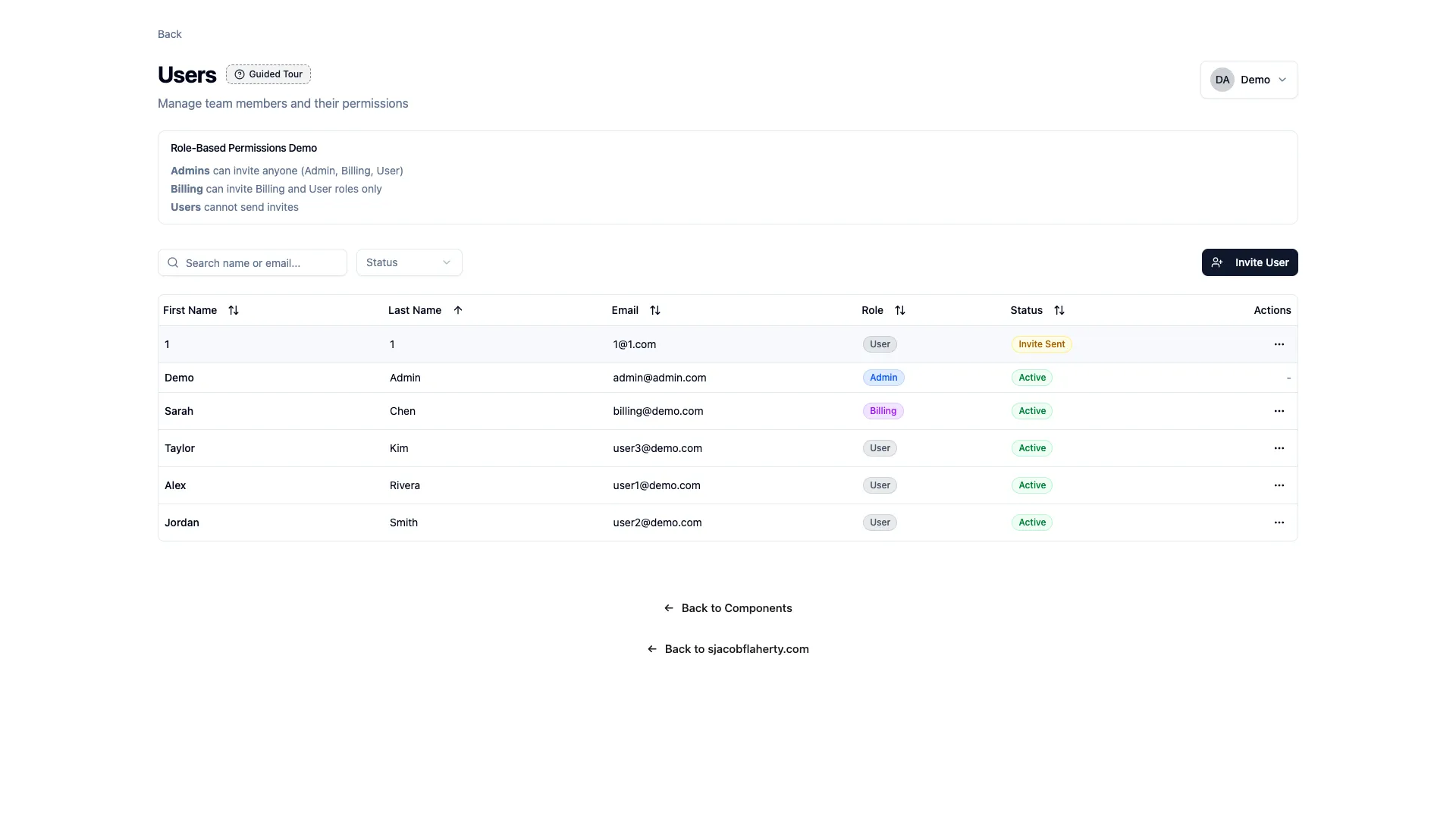
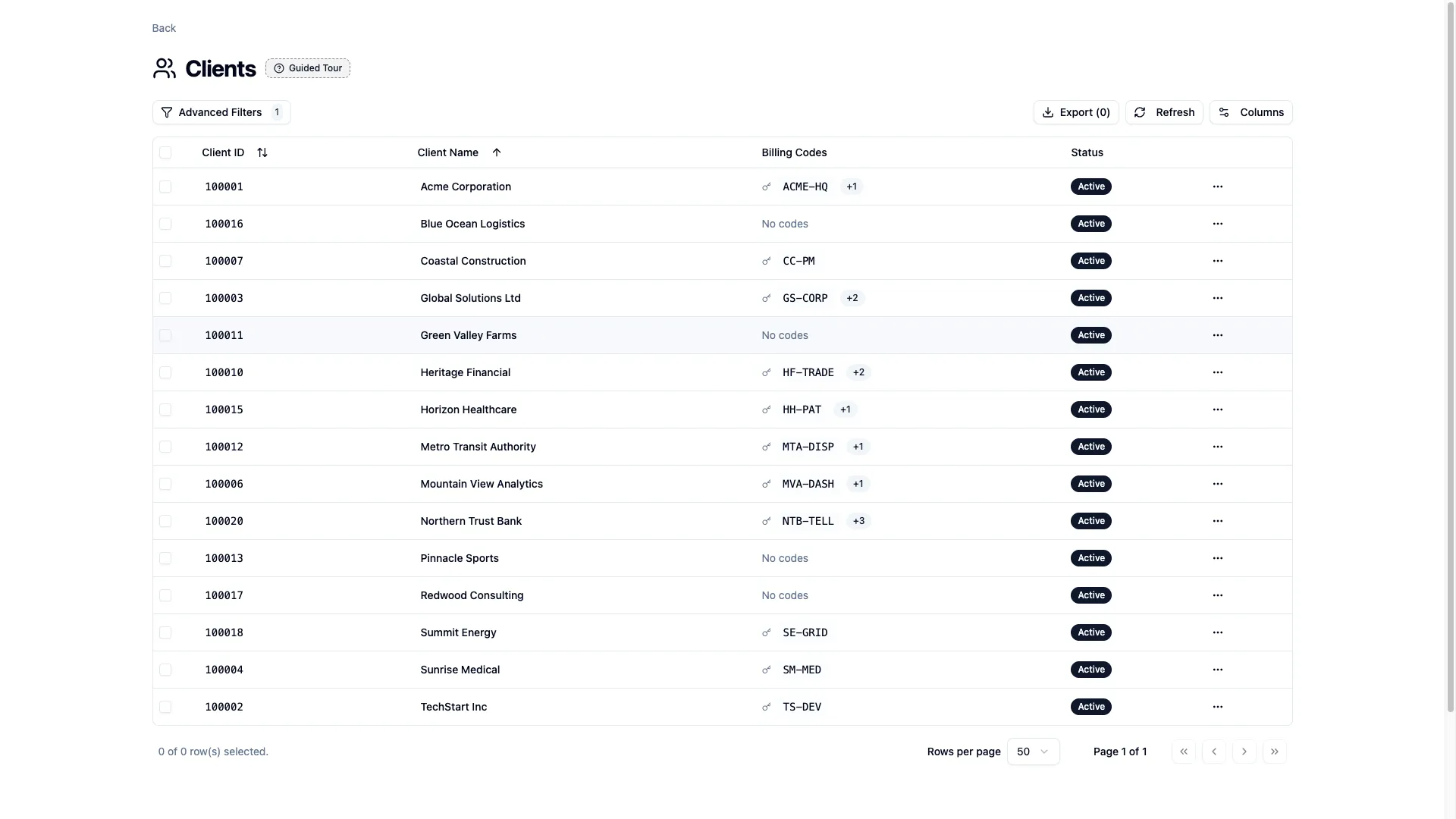
For the past few months, I've been keeping an eye on Convex. From its cronjobs and scheduled functions, to the code-first approach, to the dashboard UI. I really like what Convex has to offer. My experience is mostly with RDS and Postgres/MariaDB/Supabase, so it's refreshing to move this fast and have to worry (less) about migrations and rpc functions.
As an excuse to try Convex and tinker with my homelab a bit more, I spun up a weekend project. That, paired with SvelteKit and Vercel, made for a perfect learning sandbox.
Everything here is inspired by code currently in production, from various clients and projects. Real patterns and real problems, but obscured enough to make similarities not cross a line. That said, this isn't NDA stuff. It's pretty basic.
Architecture
This is a self-hosted Convex instance running in Docker, connected to Vercel. The database is real and mirrors a production-ish environment, but extremely locked down. A cronjob wipes it and rebuilds from seed once a day.
import { cronJobs } from 'convex/server';
import { internal } from './_generated/api';

const crons = cronJobs();

// 5am PST = 13:00 UTC (PST is UTC-8)
crons.cron('daily database reset', '0 13 * * *', internal.seed.resetDatabase);

export default crons;
Two lines to set up a daily cron. That's the kind of thing that sold me on Convex. In a traditional setup I'd be wiring up a separate scheduler, a migration script, maybe a Lambda. Or with pocketbase requires a separate service. But with convex it comes out of the box and is super SIMPLE to setup and see in the ui.
CI/CD
CI/CD is set up to build and deploy through Vercel. I learned this trick as a way to get around needing multi-user orgs in Vercel (like when doing fun things with ai), and since then I've just kept using it as good devops practice.
stages:
  - lint
  - deploy

deploy-vercel:
  stage: deploy
  image: node:22
  tags:
    - docker
  before_script:
    - corepack enable
    - corepack prepare pnpm@$PNPM_VERSION --activate
    - pnpm config set store-dir .pnpm-store
    - pnpm install --frozen-lockfile
  script:
    - npx vercel pull --yes --environment=production --token=$VERCEL_TOKEN
    - npx vercel build --prod --token=$VERCEL_TOKEN
    - npx vercel deploy --prebuilt --prod --token=$VERCEL_TOKEN
  rules:
    - if: $CI_COMMIT_BRANCH == $CI_DEFAULT_BRANCH
      changes:
        - src/**/*
        - static/**/*
        - package.json
        - pnpm-lock.yaml
        - svelte.config.js
        - vite.config.ts
        - tsconfig.json

deploy-convex:
  stage: deploy
  image: node:22
  tags:
    - docker
  before_script:
    - corepack enable
    - corepack prepare pnpm@$PNPM_VERSION --activate
    - pnpm config set store-dir .pnpm-store
    - pnpm install --frozen-lockfile
  script:
    - npx convex deploy --admin-key $CONVEX_ADMIN_KEY --url $CONVEX_URL
  rules:
    - if: $CI_COMMIT_BRANCH == $CI_DEFAULT_BRANCH
      changes:
        - src/convex/**/*
        - convex.json
The rules section deploys when source or config files change. Not as important with my own runner, but it's a good habit I picked up saving money under tight client budgets and limited CI/CD minutes on GitHub.
The Demo
I'll let the demo speak for itself, but there are a couple things I want to get into specifically.
Skeleton Loaders
I added skeleton loaders throughout the app. Most people checking out the components probably won't notice them. But beyond 500 miles or so, or with poor internet speed, they matter a lot more.
I learned this working for a call center with teams offshore. They always appreciated the experience. A bit of movement to show things were still loading instead of a blank screen or a frozen table was always appreciated.
shadcn-svelte made this easy.
<script lang="ts">
  import { Skeleton } from '$lib/components/ui/skeleton';
</script>

{#if isLoading}
  {#each Array(10) as _, i (i)}
    <Table.Row>
      <Table.Cell class="w-10">
        <Skeleton class="h-4 w-4" />
      </Table.Cell>
      <Table.Cell>
        <Skeleton class="h-4 w-32" />
      </Table.Cell>
      <Table.Cell>
        <Skeleton class="h-4 w-20" />
      </Table.Cell>
      <Table.Cell>
        <Skeleton class="h-5 w-16 rounded-full" />
      </Table.Cell>
      <Table.Cell>
        <Skeleton class="h-4 w-40" />
      </Table.Cell>
    </Table.Row>
  {/each}
{:else}
  <!-- actual data rows -->
{/if}
Just 10 placeholder rows shaped like the real data, and they swap out once the query comes back.
The Guided Tour
Mostly as an afterthought, I added a guided tour component. I've always wanted to build one, and now that I have, I understand why people DON'T use them. :) Man, they are finicky at the best of times and really rely on mature ui/software underneath.
I ended up rolling my own instead of reaching for a library. It's basically a list of steps, each pointing at a CSS selector.
export interface TourStep {
  target: string;        // CSS selector
  title: string;
  content: string;
  position?: 'top' | 'bottom' | 'left' | 'right';
  image?: string;        // show an image instead of highlighting
  noScroll?: boolean;    // show arrow indicator instead of scrolling
}
The tricky part was positioning. Ok I'll admit it. I got 70% of the way there and had AI do the rest.
function positionTooltip() {
  if (!isOpen || !steps[currentStep]) return;

  const step = steps[currentStep];
  const target = document.querySelector(step.target);

  // Scroll target into view first
  target.scrollIntoView({ behavior: 'smooth', block: 'center' });

  // Wait for scroll to settle, then position
  setTimeout(() => {
    const rect = target.getBoundingClientRect();

    // Position tooltip based on preference
    const pos = step.position || 'bottom';
    let top = 0, left = 0;

    switch (pos) {
      case 'bottom':
        top = rect.bottom + 16;
        left = rect.left + rect.width / 2 - tooltipWidth / 2;
        break;
      // ... other positions
    }

    // Keep tooltip in viewport
    left = Math.max(16, Math.min(left, window.innerWidth - tooltipWidth - 16));
    top = Math.max(16, Math.min(top, window.innerHeight - tooltipHeight - 16));
  }, 100);
}
As an aside, the tour button has a wiggle animation that only plays if it hasn't been clicked before, tracked via localStorage. Once the tour has been triggered, the icon sits still. Small detail, but it draws the eye without being annoying on repeat visits. I irrationally dislike app tours that repeat themselves. Apple, Adobe, Figma, and Gitlab are on my shortlist!
Health Monitoring
Finally, I have a service tied to my deployment that pings once every 5 minutes. Convex's Docker setup already has a health check baked in.
services:
  backend:
    image: ghcr.io/get-convex/convex-backend:latest
    healthcheck:
      test: curl -f http://localhost:3210/version
      interval: 5s
      start_period: 10s
On top of that, I use ntfy to push notifications to my phone if the health state changes. It's free and easy to send notifications to with my system. It can also be self-hosted, which is a next project to focus on. It's always awkward when visiting someone else's website and seeing services down, and I like to mitigate that where possible.
Closing Thoughts
This was a great weekend project to try two technologies that are new to me. Convex surprised me with how fast I could go from schema to working queries. I didn't have to think about a separate API layer at all, and the real-time stuff just worked without extra setup. SvelteKit continues to be my favorite way to build frontends. Svelte 5's runes clicked for me on this project and the file-based routing keeps things organized without me having to think about it. I'll definitely be reaching for both of these again.


